Local-first visual review

The screenshot is only the start.

Capture complete webpages, explain what matters, and turn visual details into a polished report—without sending your work to a server.

  • No account
  • No watermark
  • No cloud upload

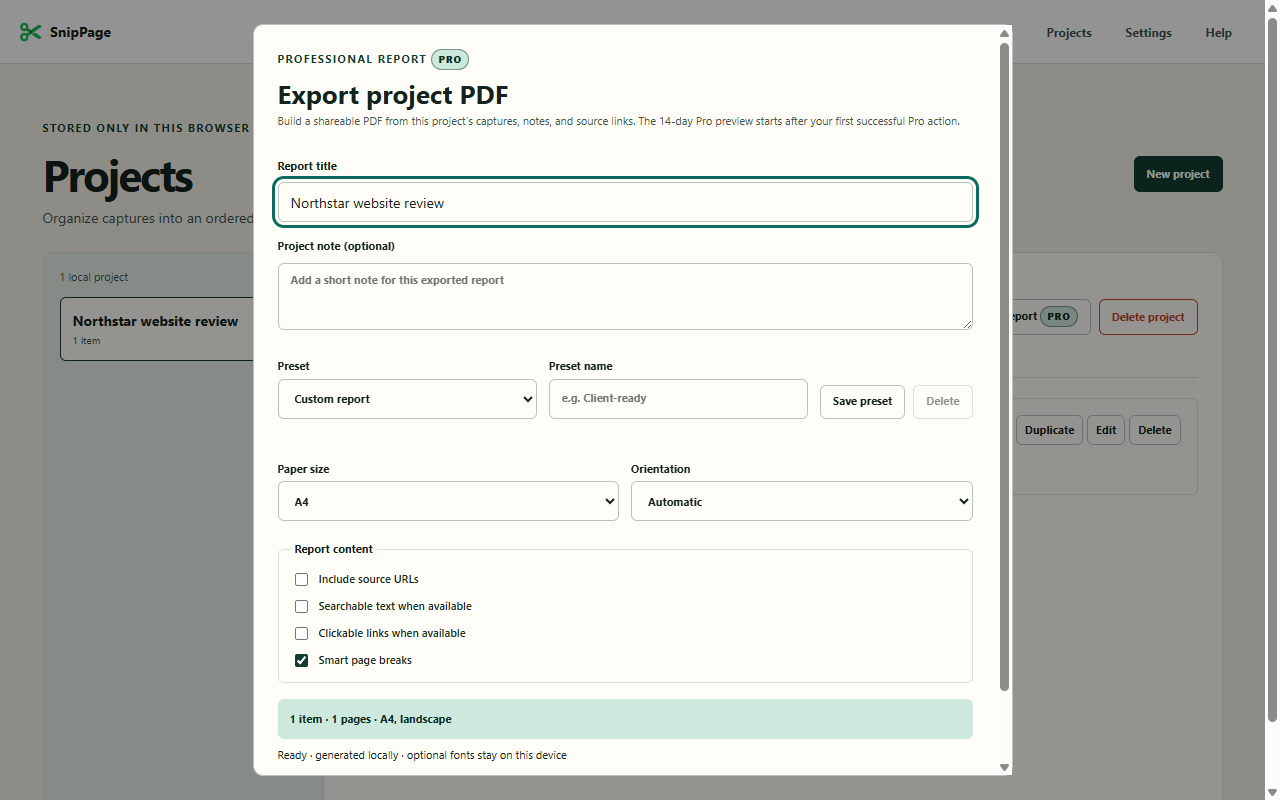
Checkout clarity project

Project item

Primary action lacks emphasis

5 items · ready for PDF

Built for designers, developers, QA reviewers, and independent consultants.

4 capture modes
100% local processing
0 tracking scripts

One focused workflow

From webpage to useful evidence.

Fast enough for a single note. Structured enough for a complete project.

01

Capture the right scope

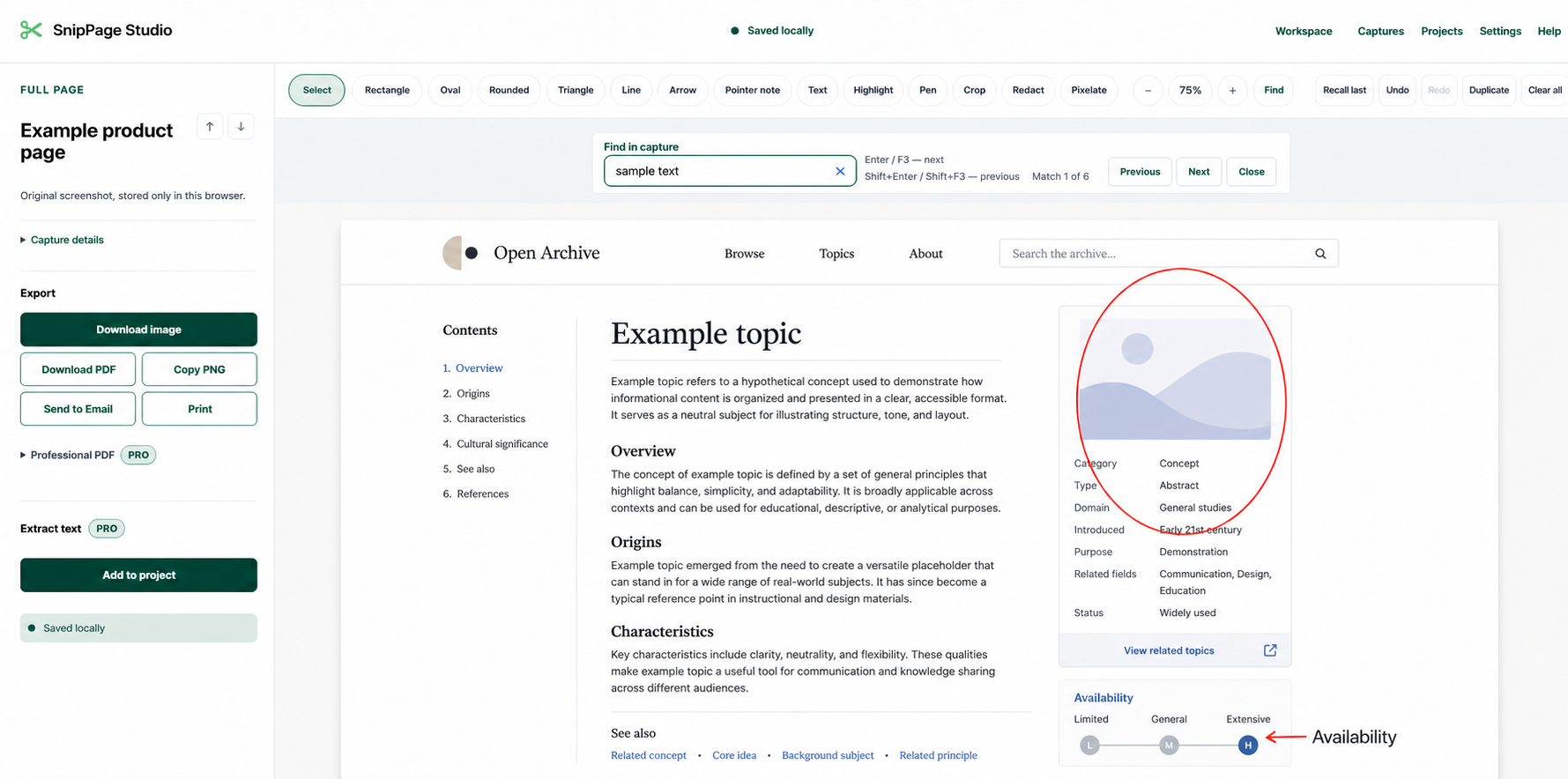
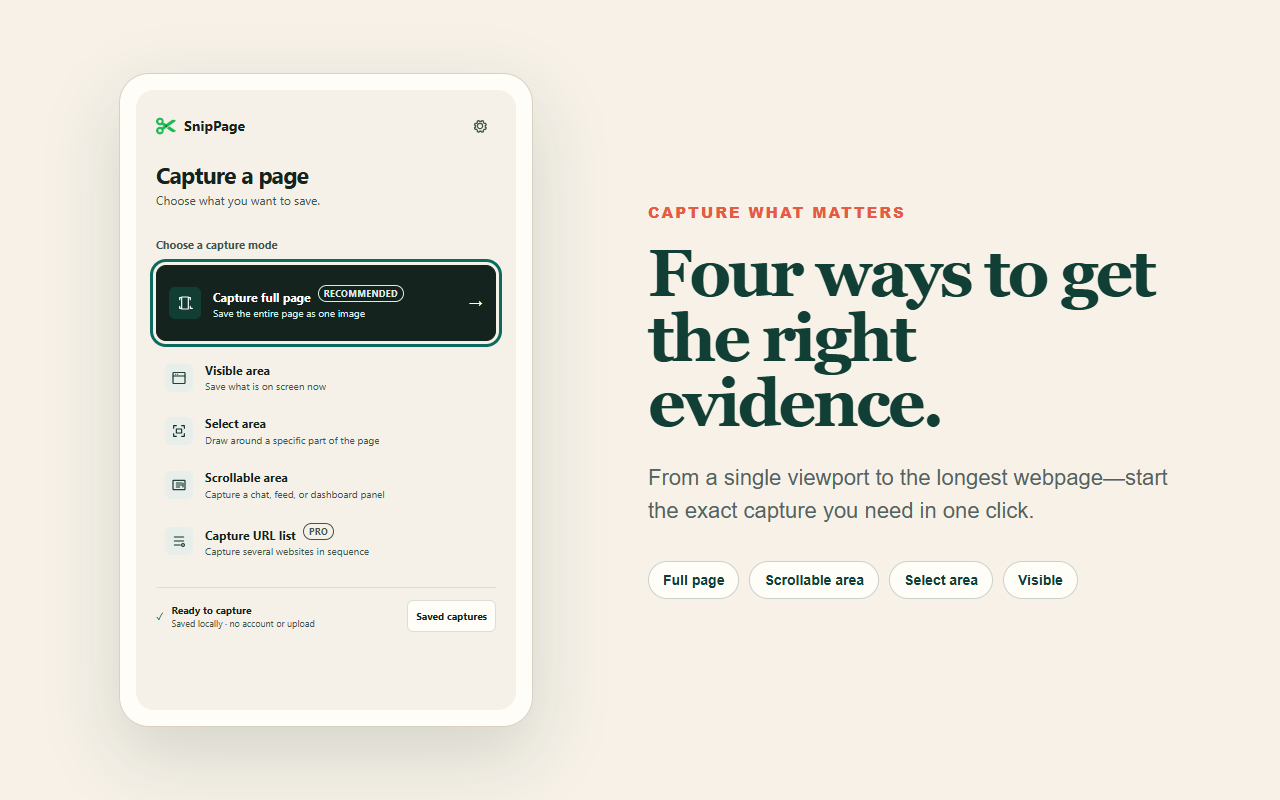
Save the visible viewport, a selected area, an entire page, or one scrollable panel at full useful resolution.

02

Recover or mark what matters

Extract editable text locally, or add rectangles, arrows, notes, highlights, crops, and permanent solid redaction.

03

Find and organize the review

Search your local capture history, reopen prior evidence, or group captures into ordered projects with notes and next steps.

04

Deliver a clear report

Export PNG or JPEG files, copy a PNG, download an edited capture as PDF, or generate a complete project report.

The SnipPage method

Capture. Explain. Deliver.

  1. 1

    Choose the evidence

    Start from the toolbar, use the capture-menu shortcut, or reopen evidence from Saved Captures.

  2. 2

    Add the context

    Mark the image, add notes, and record an optional next step.

  3. 3

    Share the result

    Download a clean image or a polished project report—with no account or upload.

Private by architecture

Your captures remain your captures.

Screenshot pixels, text extraction instructions and results, annotations, projects, logos, and reports are processed locally in the extension. SnipPage has no analytics SDK, ad tracker, account system, or cloud sync.

Read the privacy policy

Chrome extension

Clear evidence. Less back-and-forth.

SnipPage is ready to turn complete webpages into organized visual projects.

Contact the team